Start without an account
No Hide My Text email, phone number, or account setup.
 Hide My Text
Local-first privacy for iPhone
Hide My Text encrypts sensitive text and supported files locally on your iPhone. Share the protected version through the apps you already use, and let approved recipients reveal it in Hide My Text.
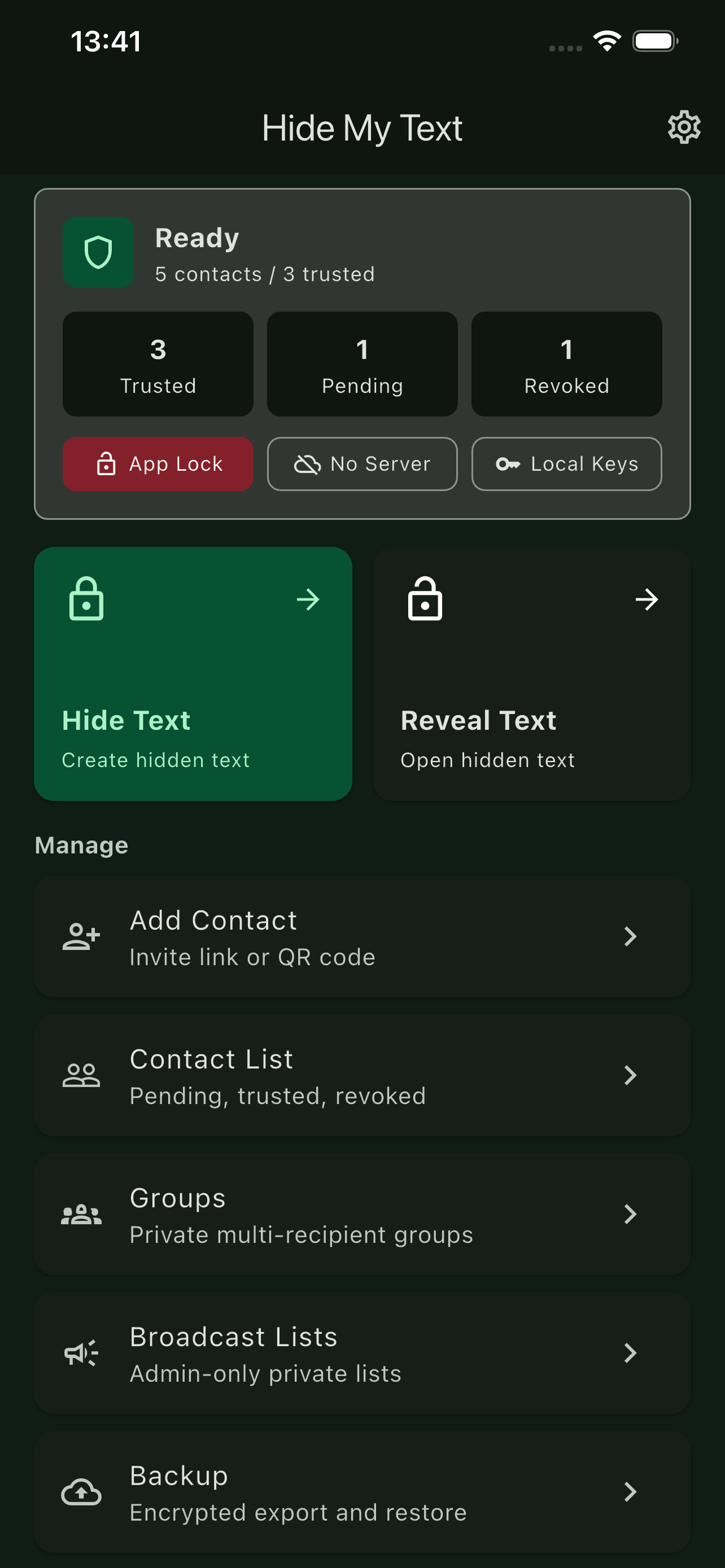
Privacy that works with the apps you already use
Keep communicating the way you already do. Hide My Text adds a private encryption step before sensitive information enters the delivery app you choose.
No Hide My Text email, phone number, or account setup.
Your working identity and encryption keys are generated and stored locally.
Send protected content through the communication apps you already use.
Your iPhone passcode protects the encrypted local vault, with optional Face ID or Touch ID App Lock.
What you can protect
Protect short sensitive details for a verified contact.
Encrypt supported documents, photos, and videos locally before sharing.
Protect text and supported files for approved group members.
Send protected one-way updates to approved recipients.
Trust begins with verification
Create a time-limited invite or QR code, compare the safety phrase together, and decide who to trust.
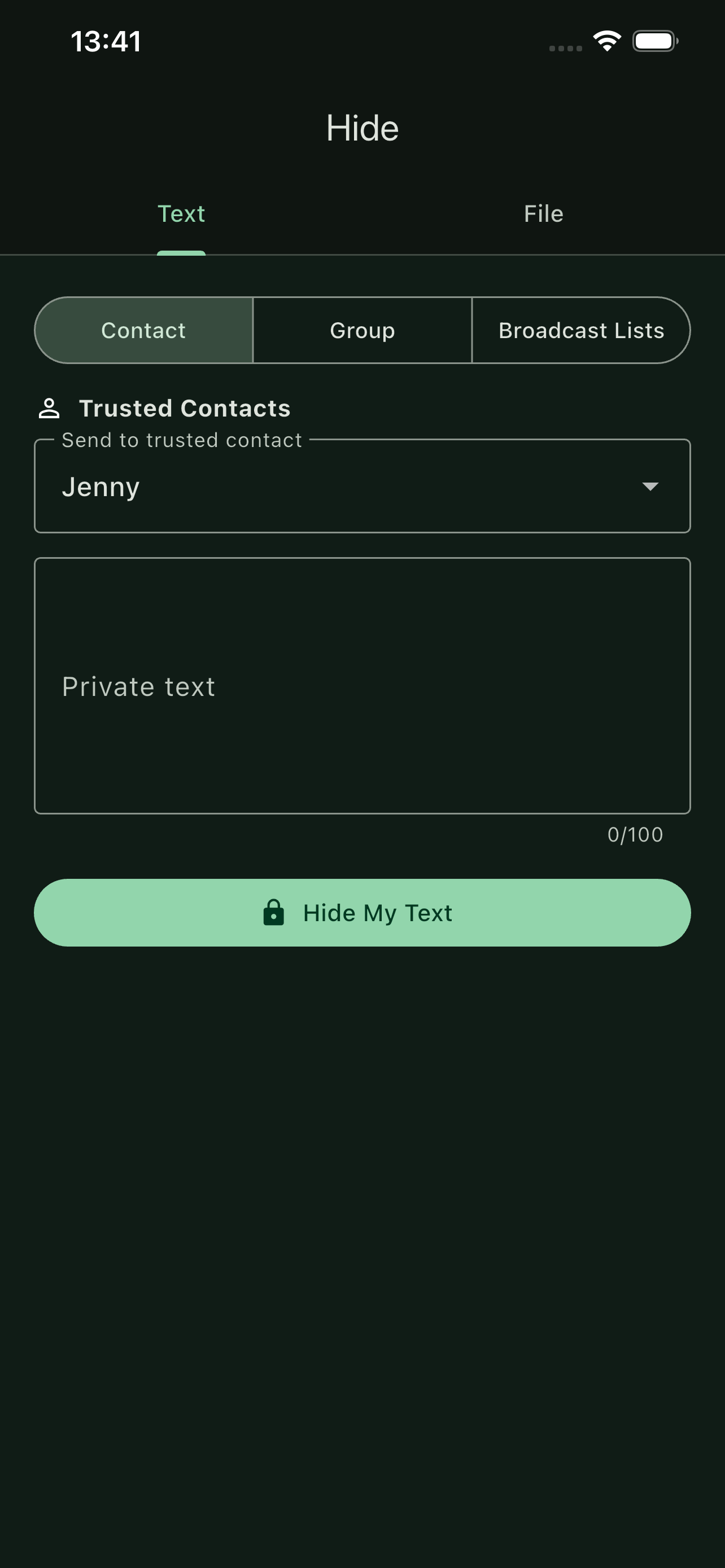
Learn every workflow
Follow the complete vault, pairing, protection, delivery, and reveal flow.
Learn why the recovery phrase and encrypted backup have different jobs.
Get direct answers about setup, recipients, supported content, recovery, and app security.
Add privacy before sending
Protect sensitive text, documents, photos, and videos locally on your iPhone.